How do I log-in to WowCare?
1. When the school admin adds a user (staff/parent) in their school, user will receive a welcome email with a link to create their password. 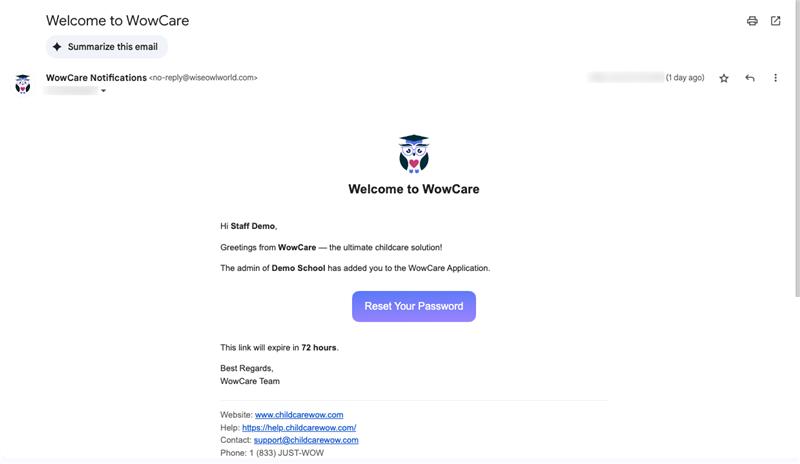
2. Click on Reset your password button to create & confirm your password. 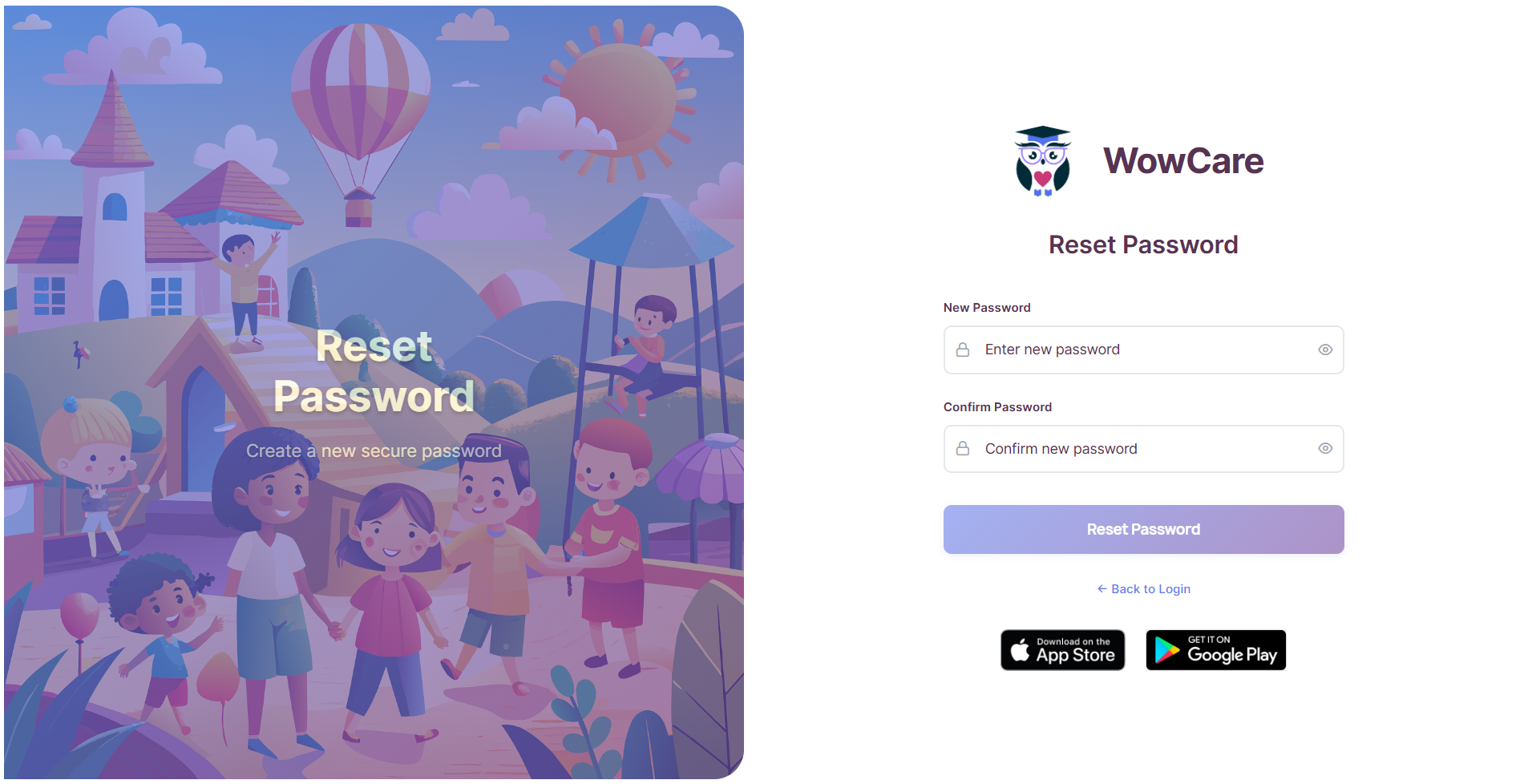
3. Go to the login page, enter your email & password and click on Log in. 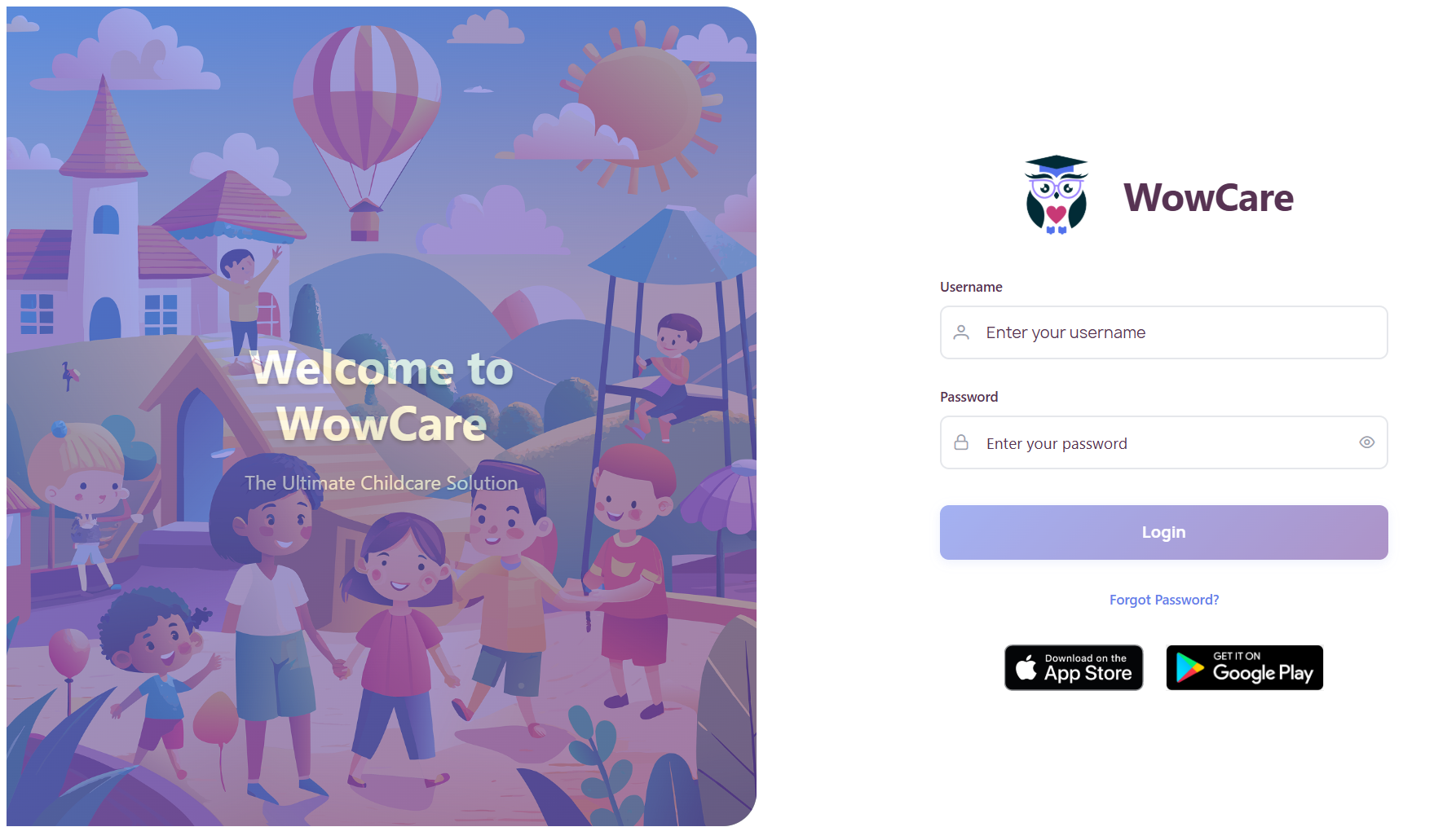
4. Download the IOS / Andriod app to login on the Mobile application
Related Articles
How to Manage Student Documents in WowCare?
WowCare makes it easy to store and manage important student documents in one place. To access documents: Go to the “Students” section. Select the student’s profile. Click the “Documents” tab. You’ll see a list of uploaded files with the following ...How do I see activities of my child as a parent?
To view your child’s activities: Log in to your WowCare Mobile App. From the home screen, go to the Activities in the bottom navigation bar. You will see a timeline view of your child’s daily activities such as meals, naps, bathroom, photos, outdoor ...How do I view my child's invoice details?
Parents can easily check and track all invoices for their child through the Billing section in the WowCare App. ✅ Method 1: From the Billing Section Open the WowCare App and go to the Billing tab from the bottom menu. You’ll see a list of Invoices ...How do I generate and view billing statements for my child (as a Parent)?
Parents can easily view and download billing statements for their child from the Billing / Family Account section. ✅ Step 1: Go to Billing Statements Log in to the WowCare Parent App or Parent Portal. From the main menu, tap on Billing. Click on ...How can I view and track staff attendance?
To monitor staff attendance: Navigate to the Attendance section in the left menu. Select Staff Attendance, then choose the desired staff member (e.g., Jessica Rhodes). Use the date filter at the top to select a specific date range (e.g., Nov 01–Nov ...